CarPlay
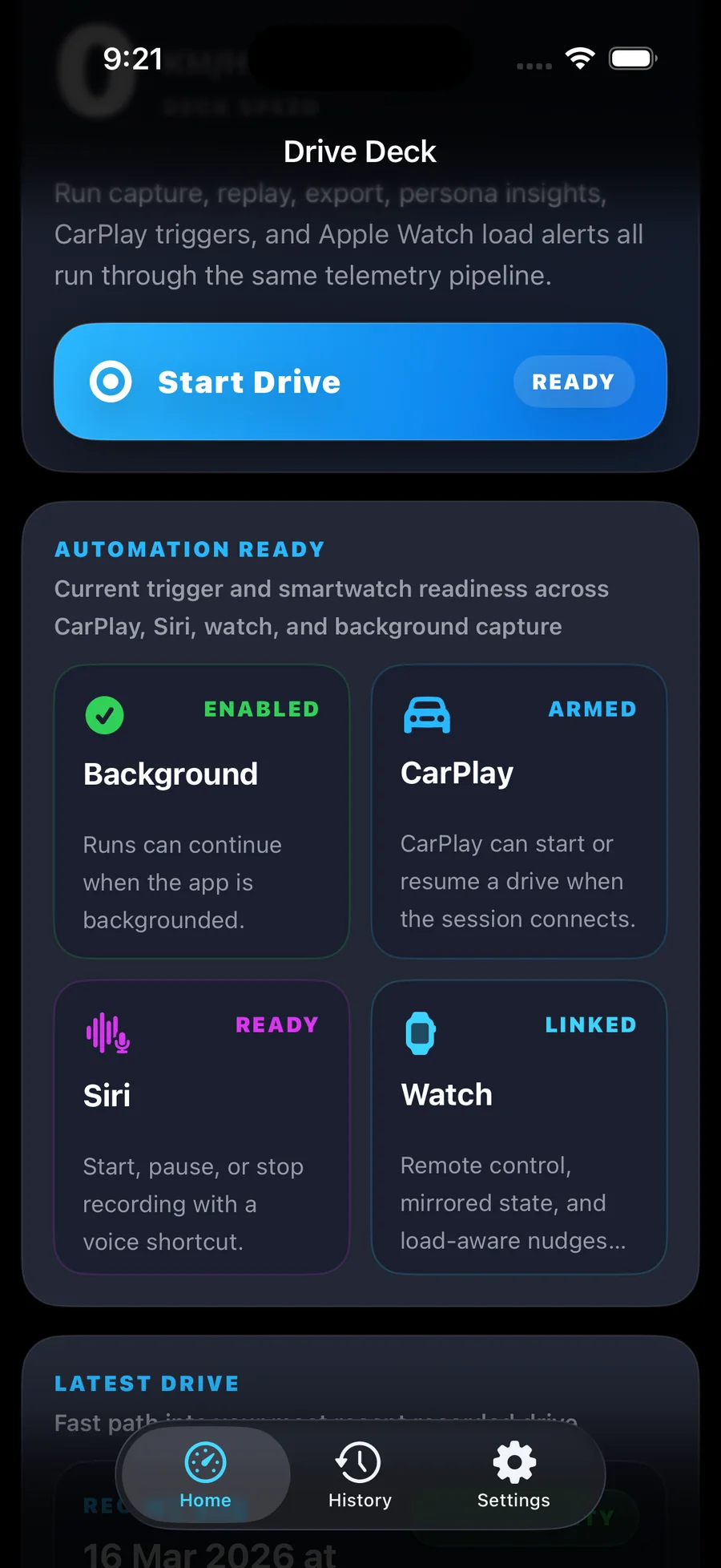
Optional auto-start and Siri controls
Precision Telemetry For iOS Drivers
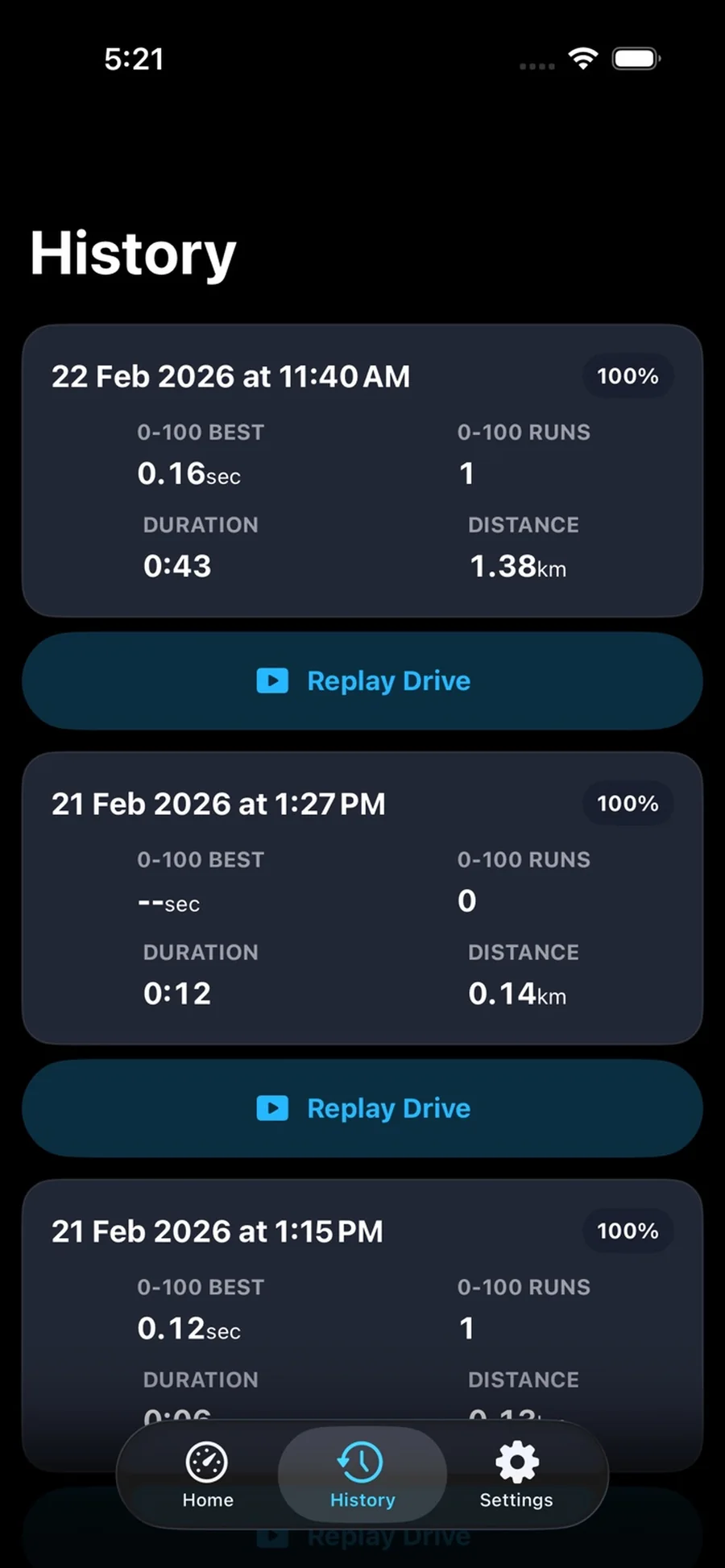
TorqueTrailPulse turns every drive into telemetry, replay, and intelligent insight. Record acceleration, braking, g-force, smoothness, route behavior, and driving patterns, then review them through on-device summaries, Driver Profile personas, premium replays, and share-ready exports.
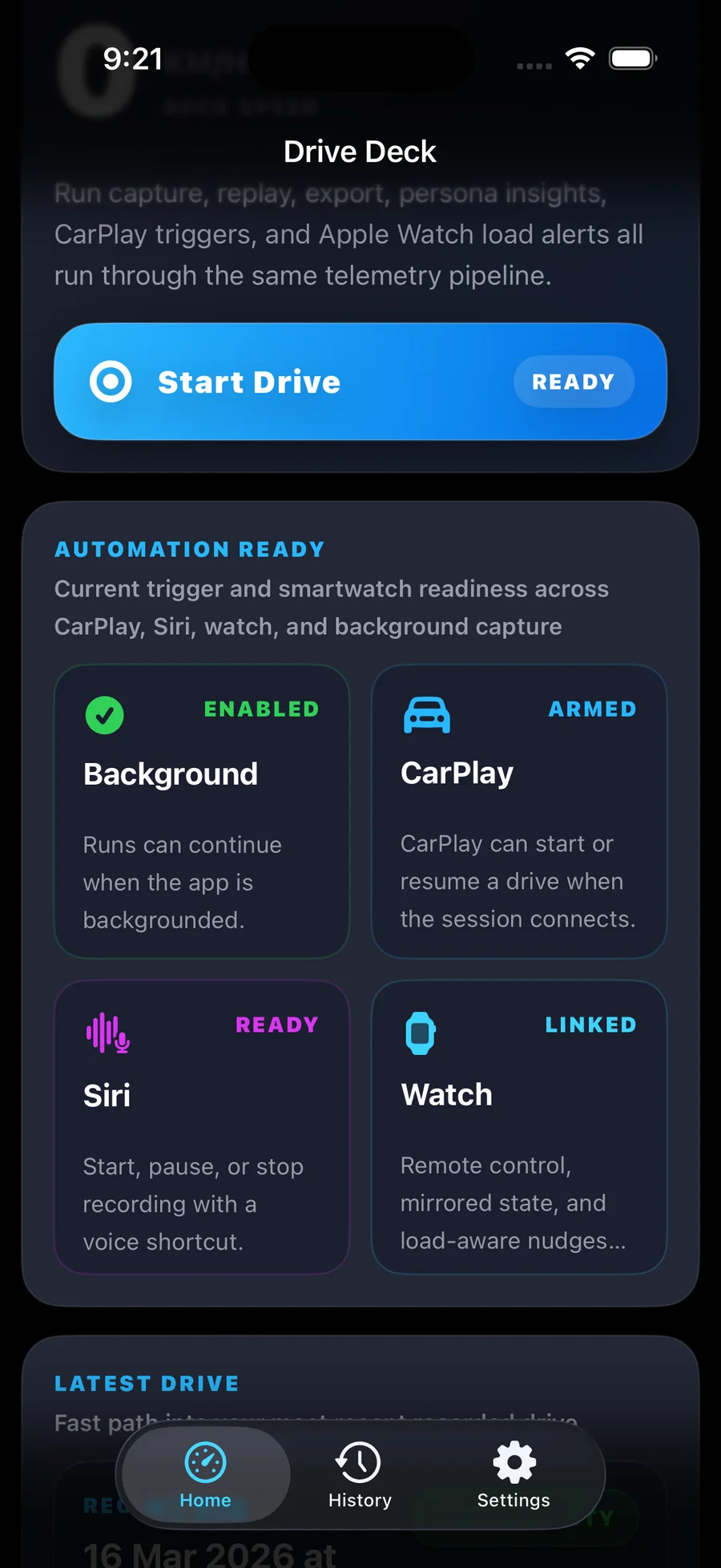
CarPlay
Optional auto-start and Siri controls
Watch
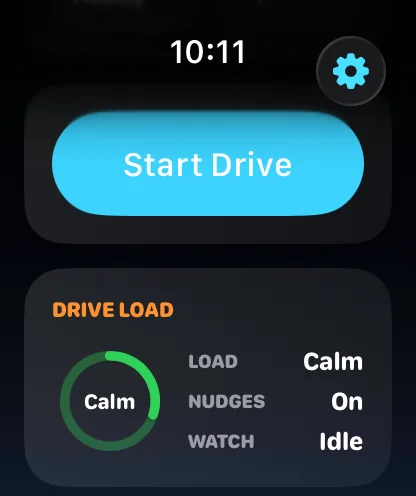
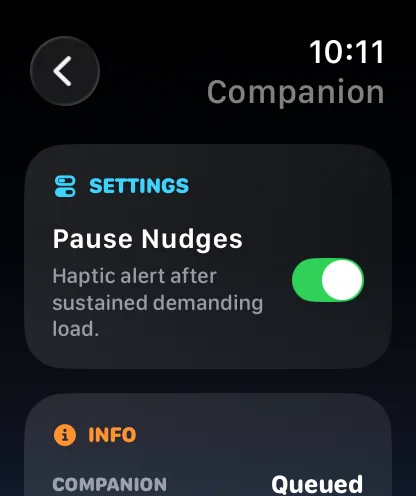
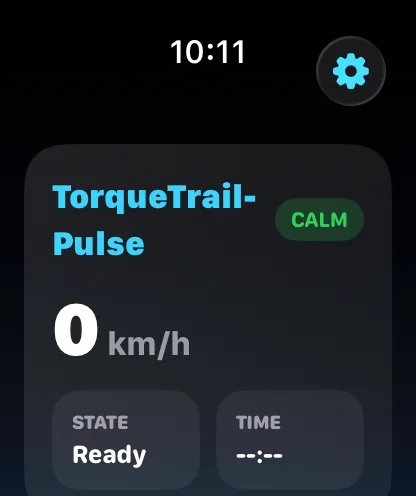
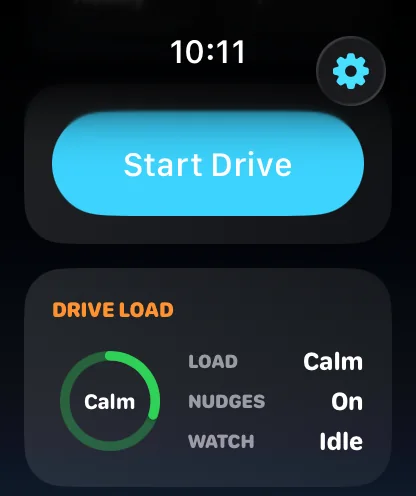
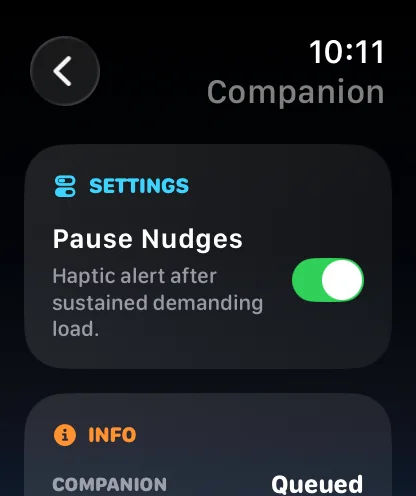
Companion status, load, and nudges
Profiles
Persona-based driving insights
Share
Replay, GPX, and social exports
Features
TorqueTrailPulse expands the same premium driving workflow with easier run capture, Apple Watch support, deeper on-device analysis, and polished exports.
Start faster with less friction using optional CarPlay auto-start and Siri voice controls through the same trusted iPhone telemetry pipeline.
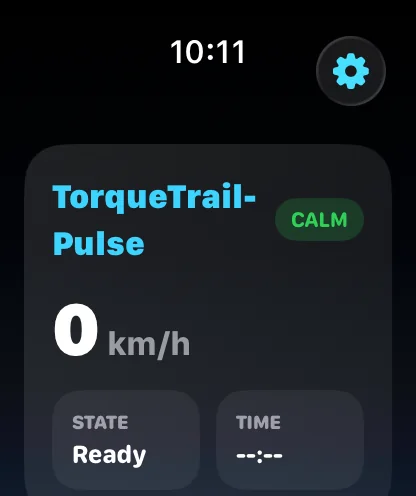
Mirror run status on Apple Watch, view live drive load, and get load-aware nudges while the iPhone remains the primary recorder.
Understand how you drive, not just where you went, with richer Driver Profile personas plus weekly and monthly on-device summaries.
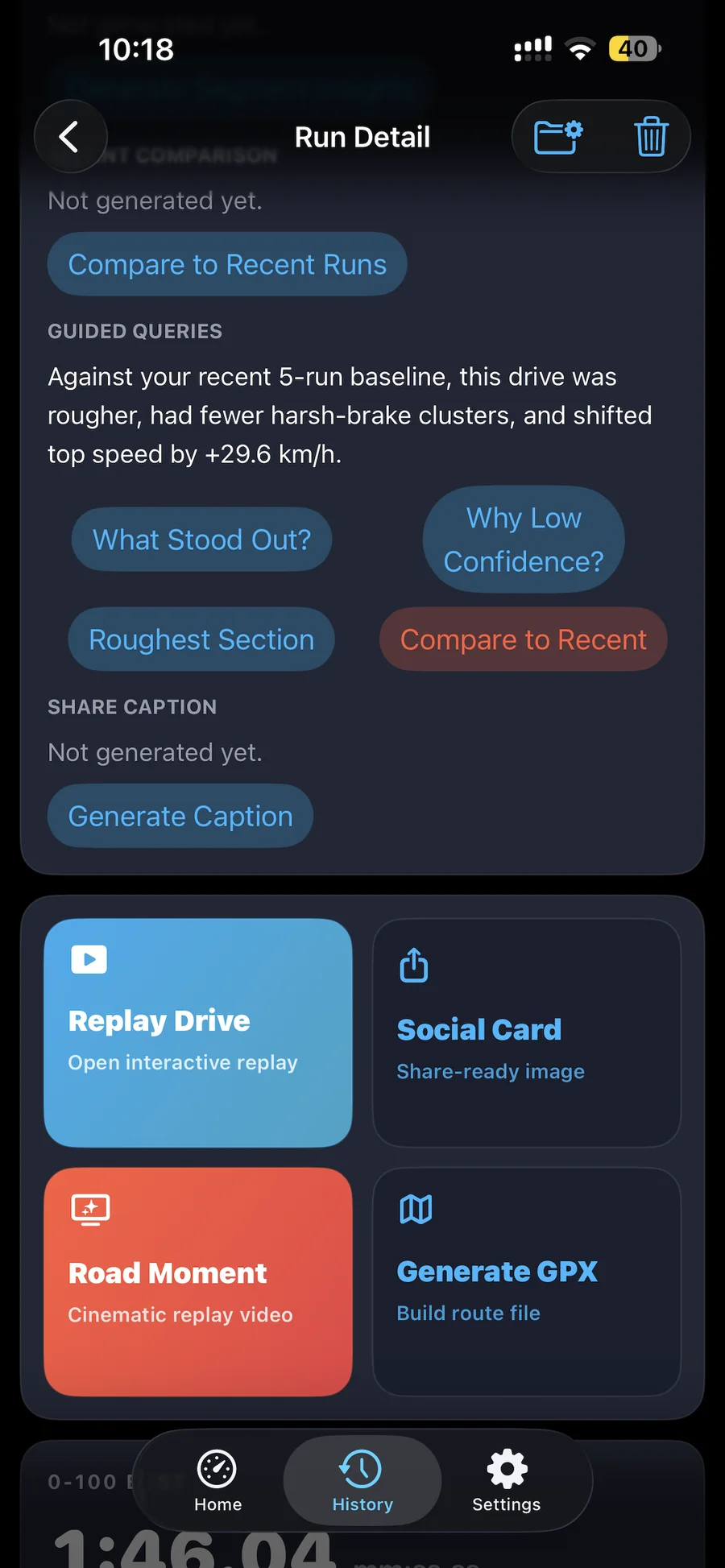
Generate premium Social Share Cards, Road Moment videos, AI-assisted captions, branded persona clips, and GPX exports from the same run.
No account required. Core recording, telemetry analysis, and key insight features work on-device with runs stored locally.
How It Works
From launch to post-drive review, TorqueTrailPulse keeps the workflow focused while adding smarter start options, companion surfaces, and richer review.
Step 1
Mount your iPhone securely, then start recording manually or with optional CarPlay auto-start and Siri voice controls.
Step 2
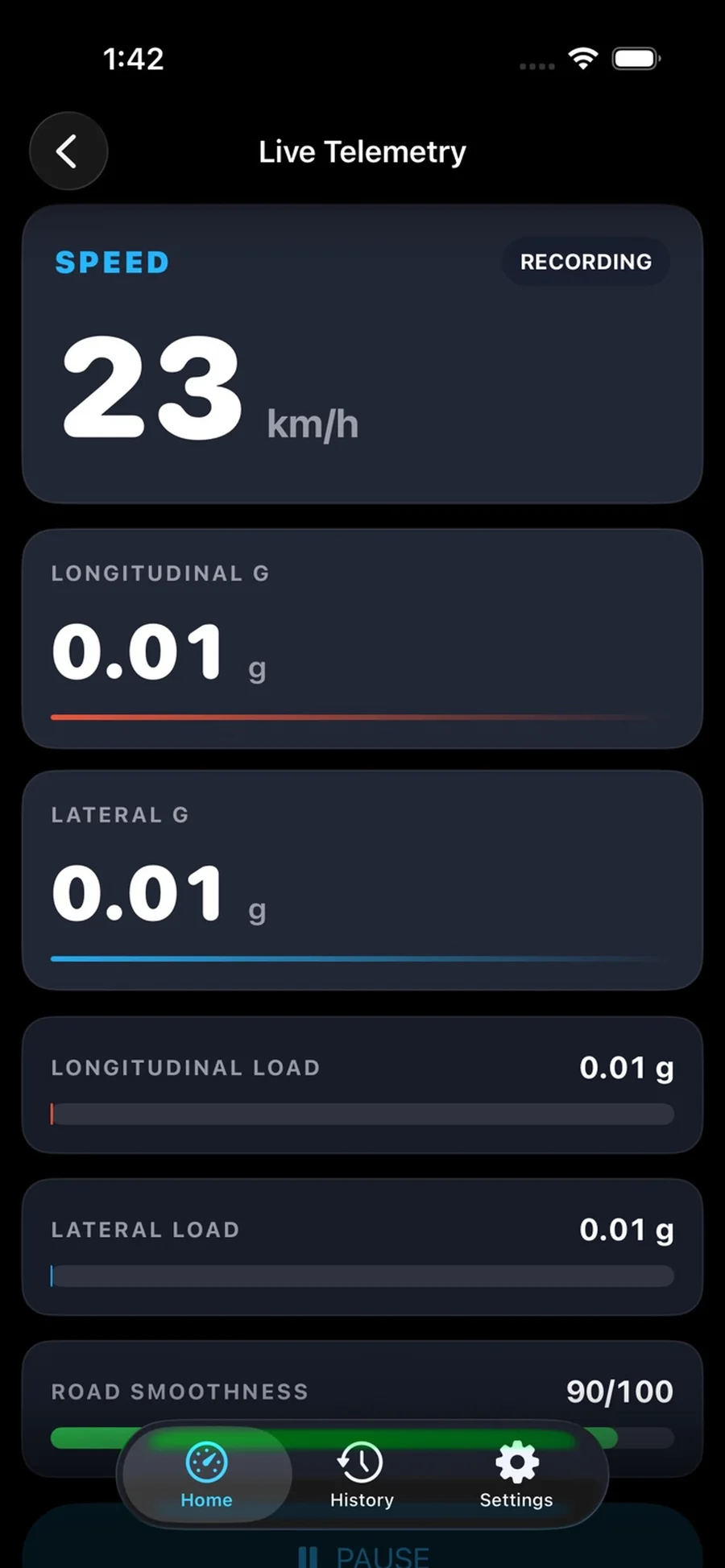
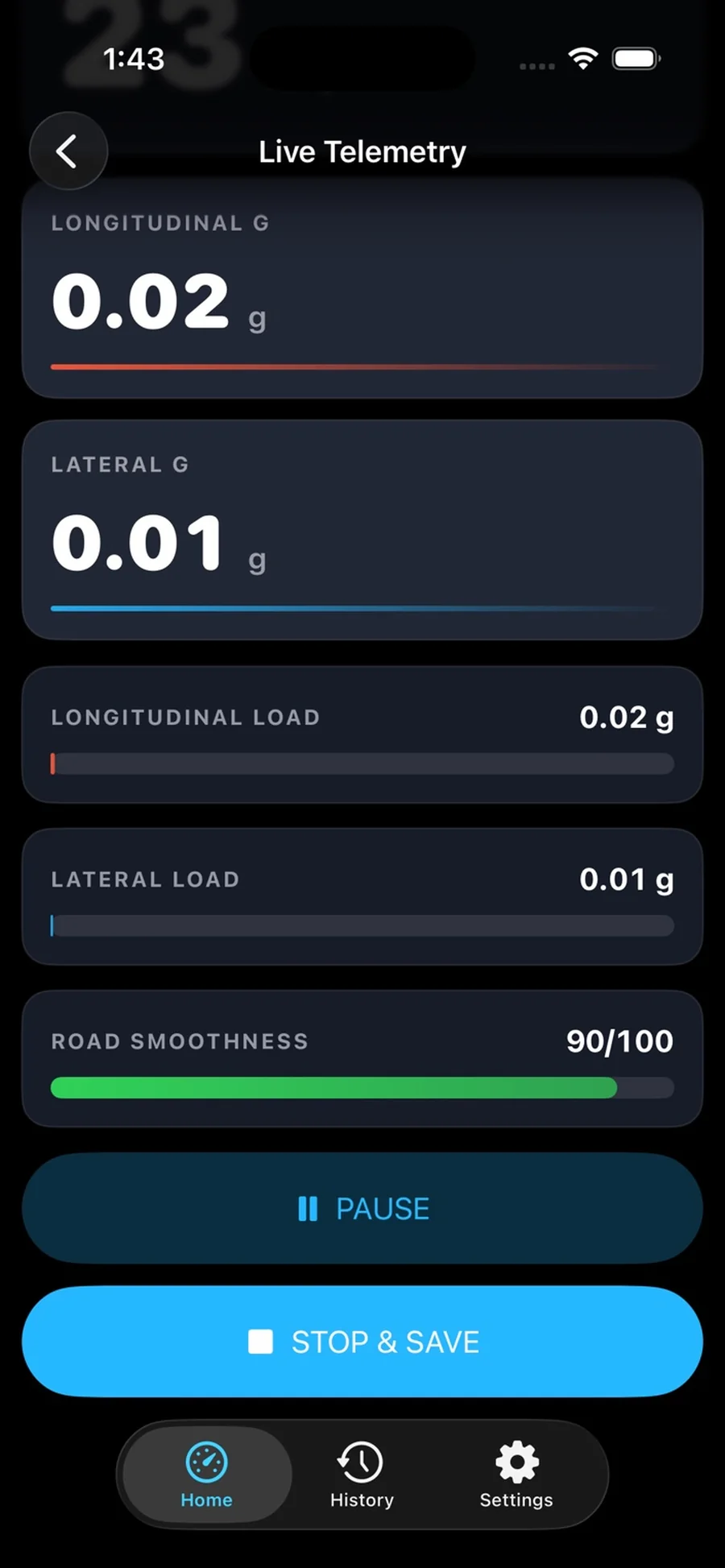
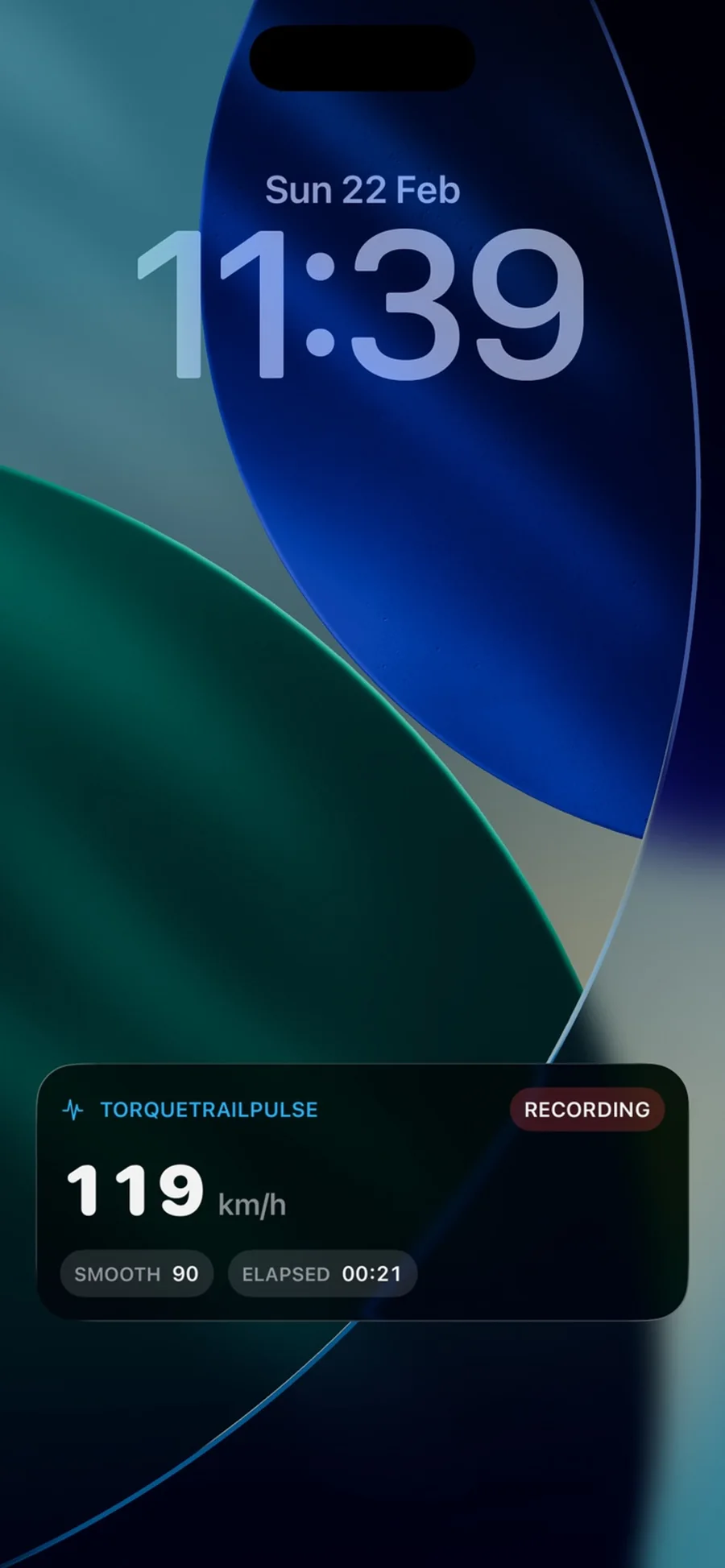
TorqueTrailPulse records GPS, acceleration, braking, g-force, route behavior, and smoothness while Apple Watch can mirror active run status.
Step 3
Review replays, on-device summaries, Driver Profile personas, and export-ready moments from the same recorded drive.
App Demo
A quick walkthrough of telemetry capture, replay, and premium post-drive review in the current app experience.
Gallery
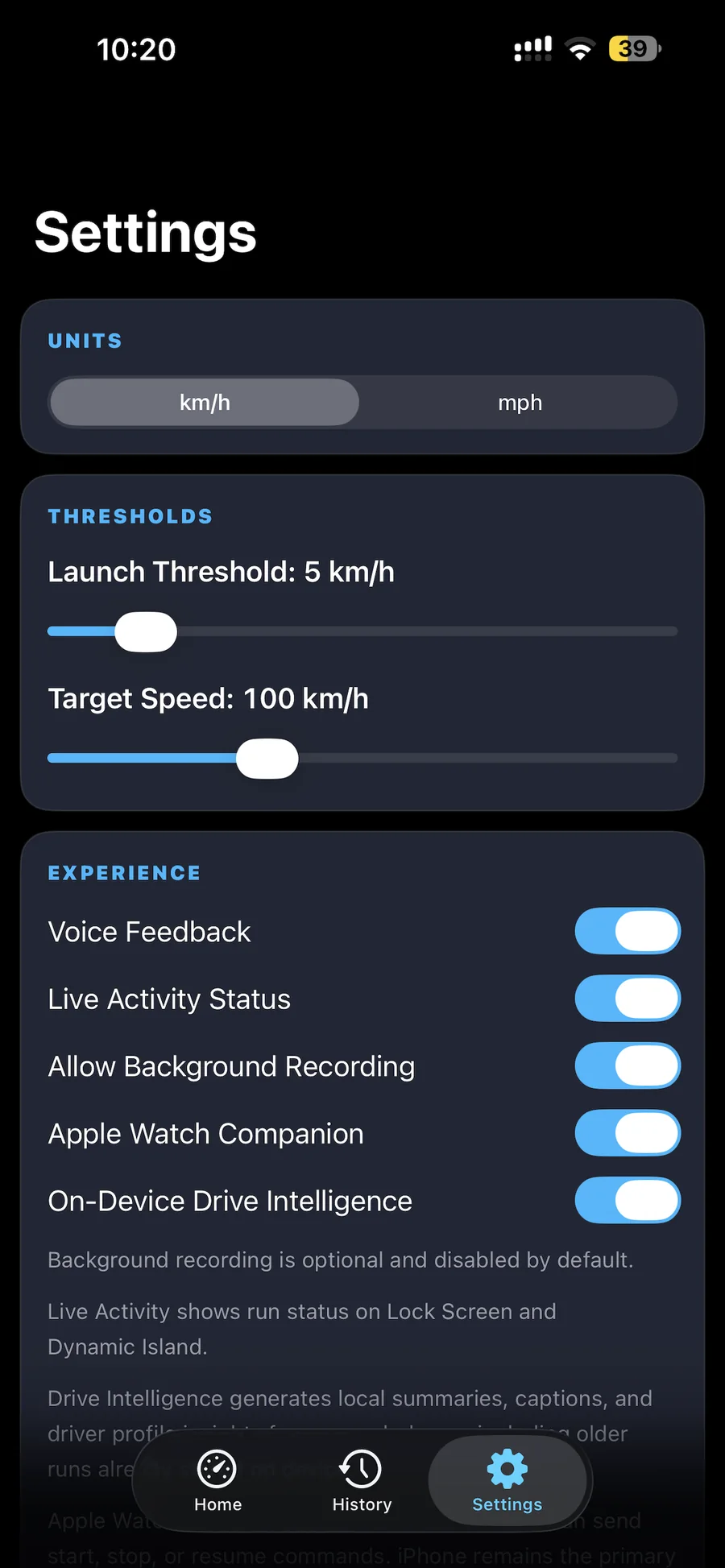
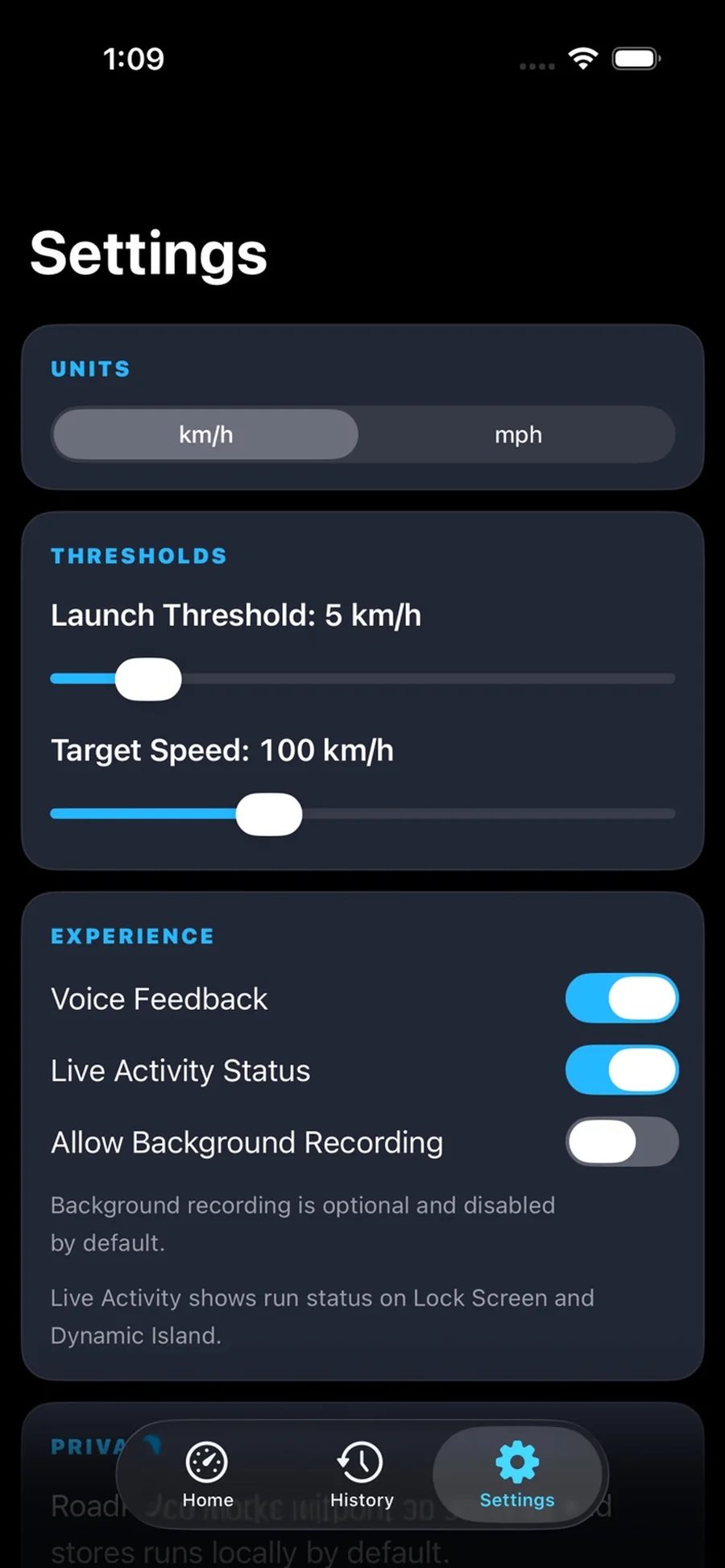
Real in-app screens with polished framing for quick visual scanning across desktop and mobile.
Trust & Safety
TorqueTrailPulse estimates driving metrics to help you understand performance trends. It is not designed or certified for collision avoidance, emergency response, legal enforcement, or any other safety-critical use.
Always prioritize road conditions, legal requirements, and your own judgment while driving. Do not interact with the app in ways that distract from safe vehicle operation.
FAQ
Concise answers on Apple Watch support, recording behavior, replay, exports, and core product limits.
The Apple Watch app is a companion for TorqueTrailPulse. It can mirror live drive status, show drive load, send start, stop, or resume commands, and surface optional load-aware nudges during an active run.
No. The iPhone remains the primary recorder for GPS, motion sensors, telemetry processing, and run storage. The watch acts as a companion surface.
No. TorqueTrailPulse uses supported iPhone sensors and system frameworks to estimate telemetry outputs. Apple Watch support is optional.
Optional background recording can be enabled in-app. Availability depends on iOS permissions, iOS behavior, and device settings.
You can review premium replays, export GPX files, and generate share-ready drive moments from the same recorded run. GPX replay in the browser stays local and files are not uploaded to a server.
Yes. From Settings, TorqueTrailPulse can connect to a BLE or WiFi OBD2 adapter to show live RPM, speed, coolant temperature, and fuel level, plus read or clear check-engine fault codes. Classic Bluetooth OBD2 adapters aren't supported on iOS — look for one sold as BLE- or WiFi-compatible.
No. TorqueTrailPulse is informational only and should not be treated as a safety-critical system, collision-avoidance tool, or legal evidence source.
Download Now
Open the App Store instantly from the banner below to start using CarPlay automation, Apple Watch companion features, on-device driving intelligence, replay, exports, and shareable drive moments. You can also scan the QR code from your phone on larger screens.
App Store Preview